
Editing Page Content
Step 1
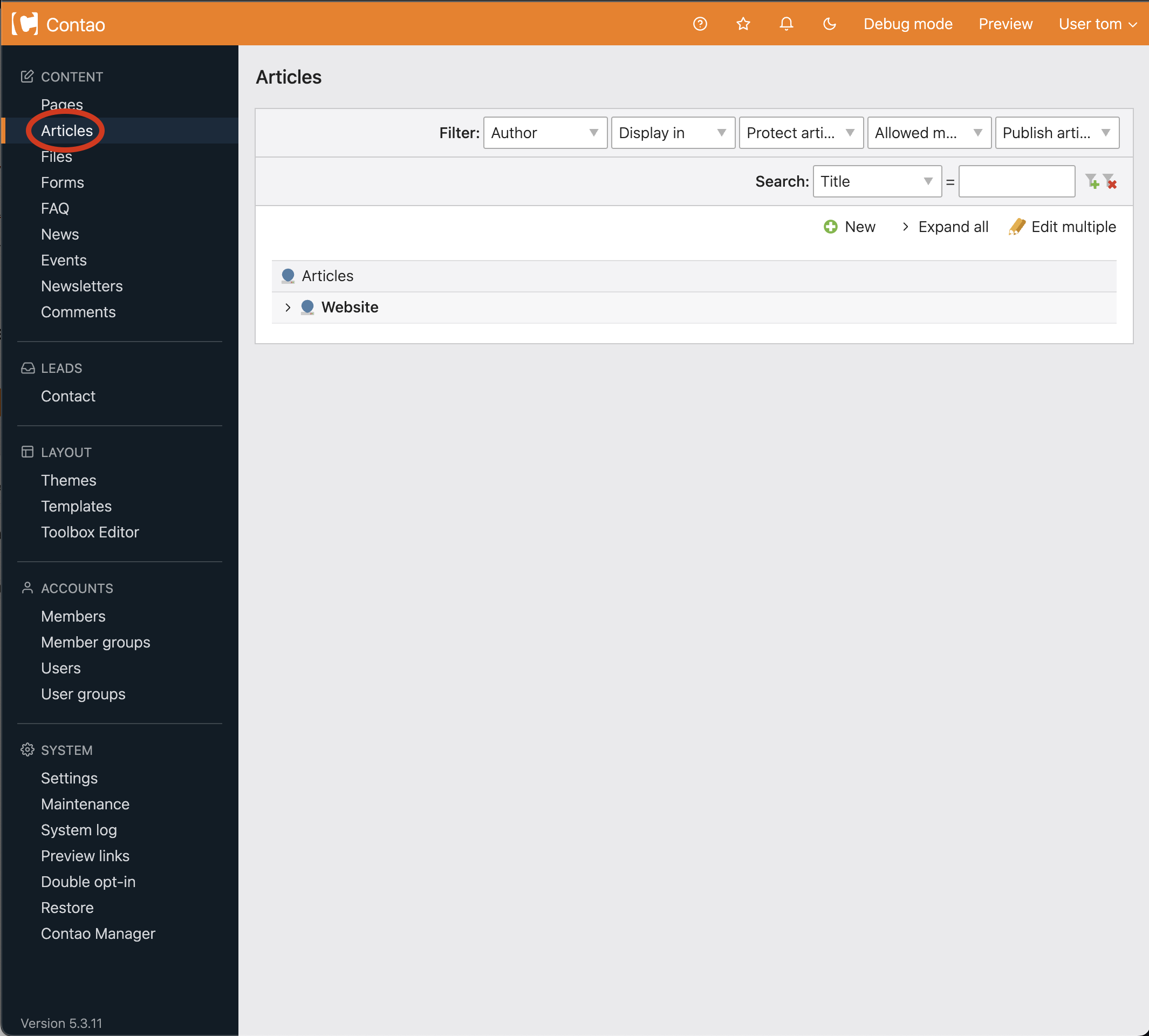
Choose Articles from the navigation (circled below).
Step 2
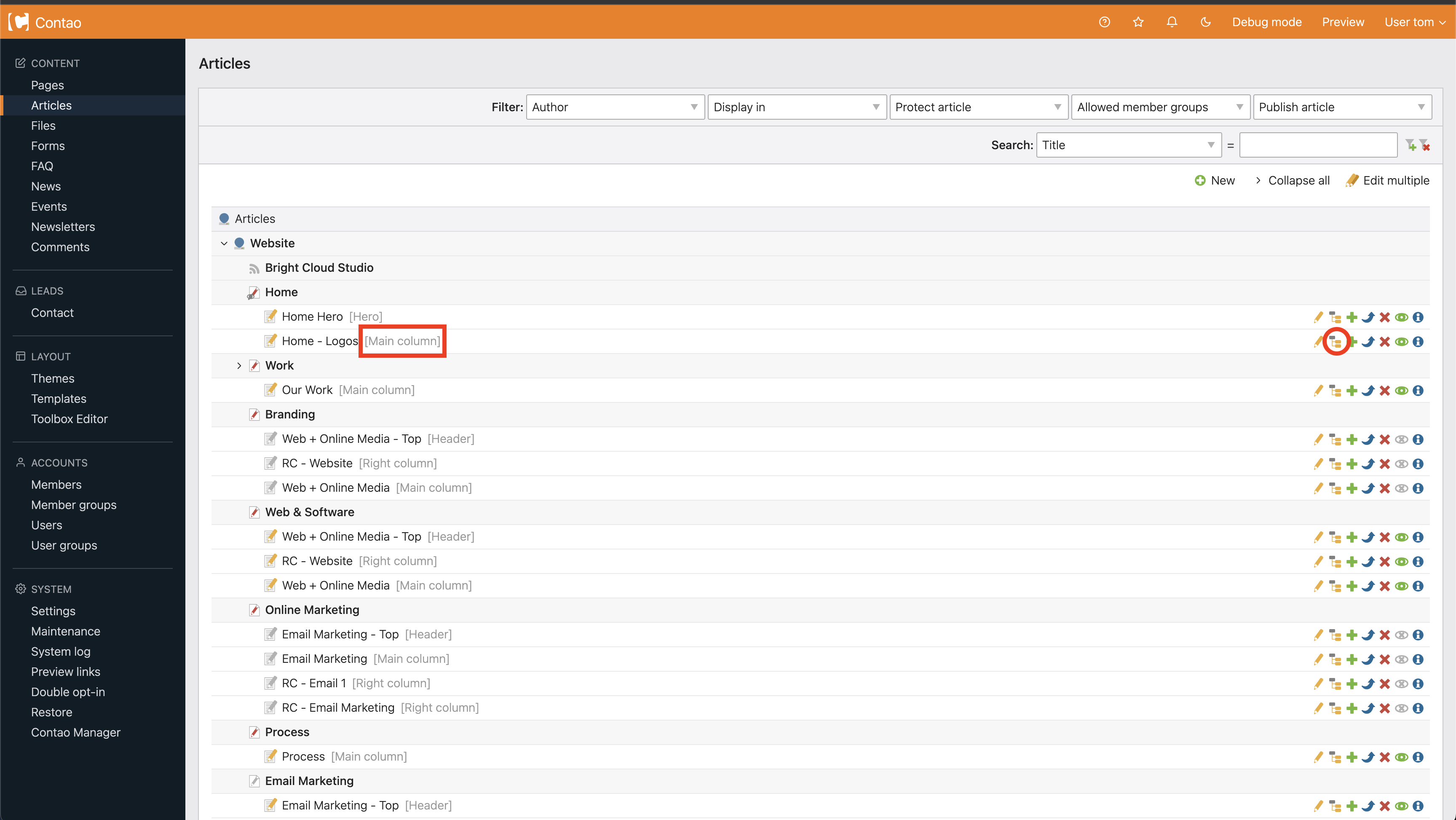
You will be brought to the Articles homepage. From here, you can edit your page by choosing the edit icon  on the appropriate article (circled below).
Main page content is in your article with [Main column] (circled below).
on the appropriate article (circled below).Main page content is in your article with [Main column] (circled below).
Header content is in the article with [header]
Left and right content are found in the articles with [Left column] and [Right column] respectively.
Step 3
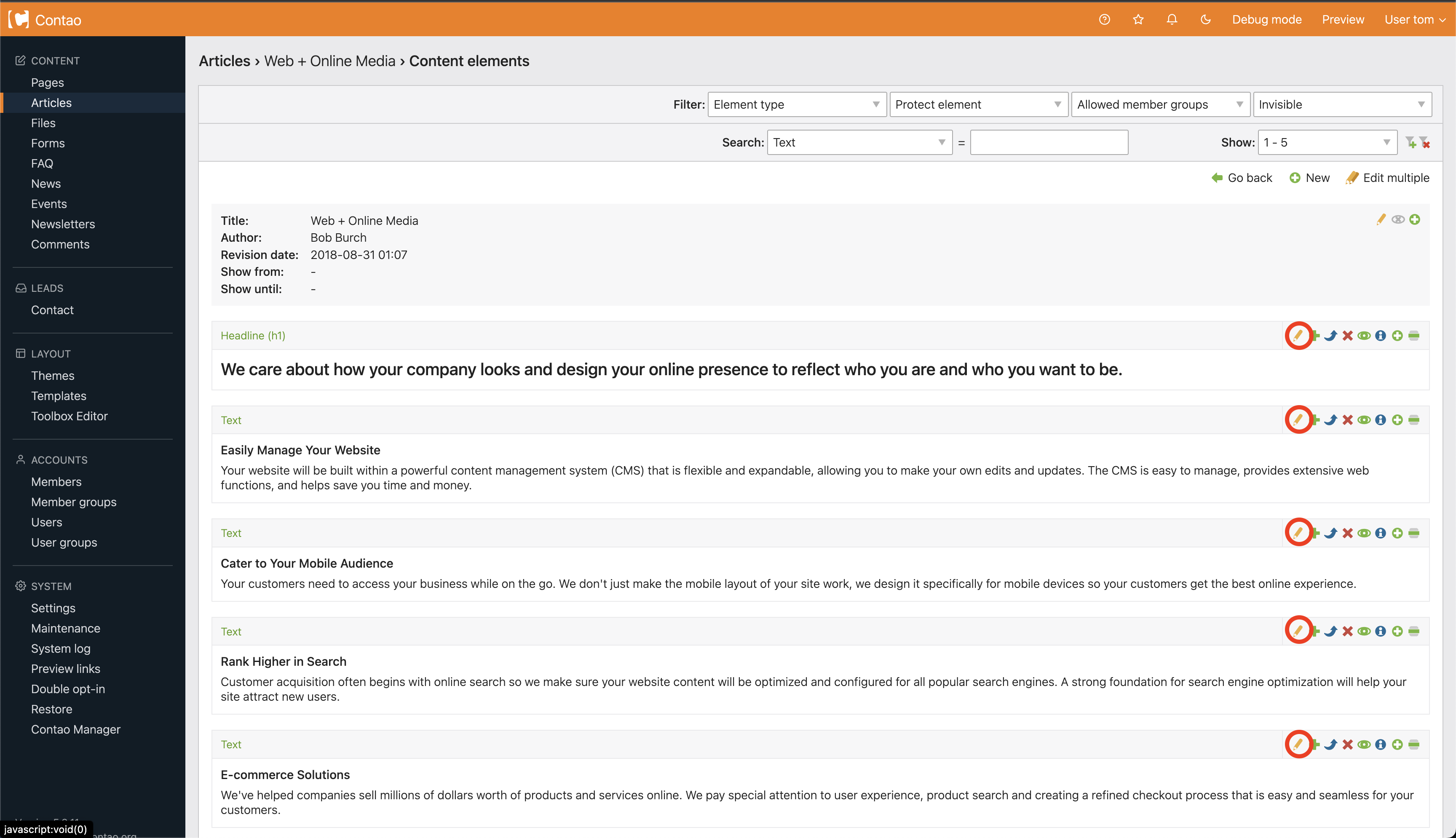
Once have chosen the correct article, you will be brought to the elements homepage. From here you can edit an element by choosing the edit icon beside each appropriate element (circled below).
Step 4
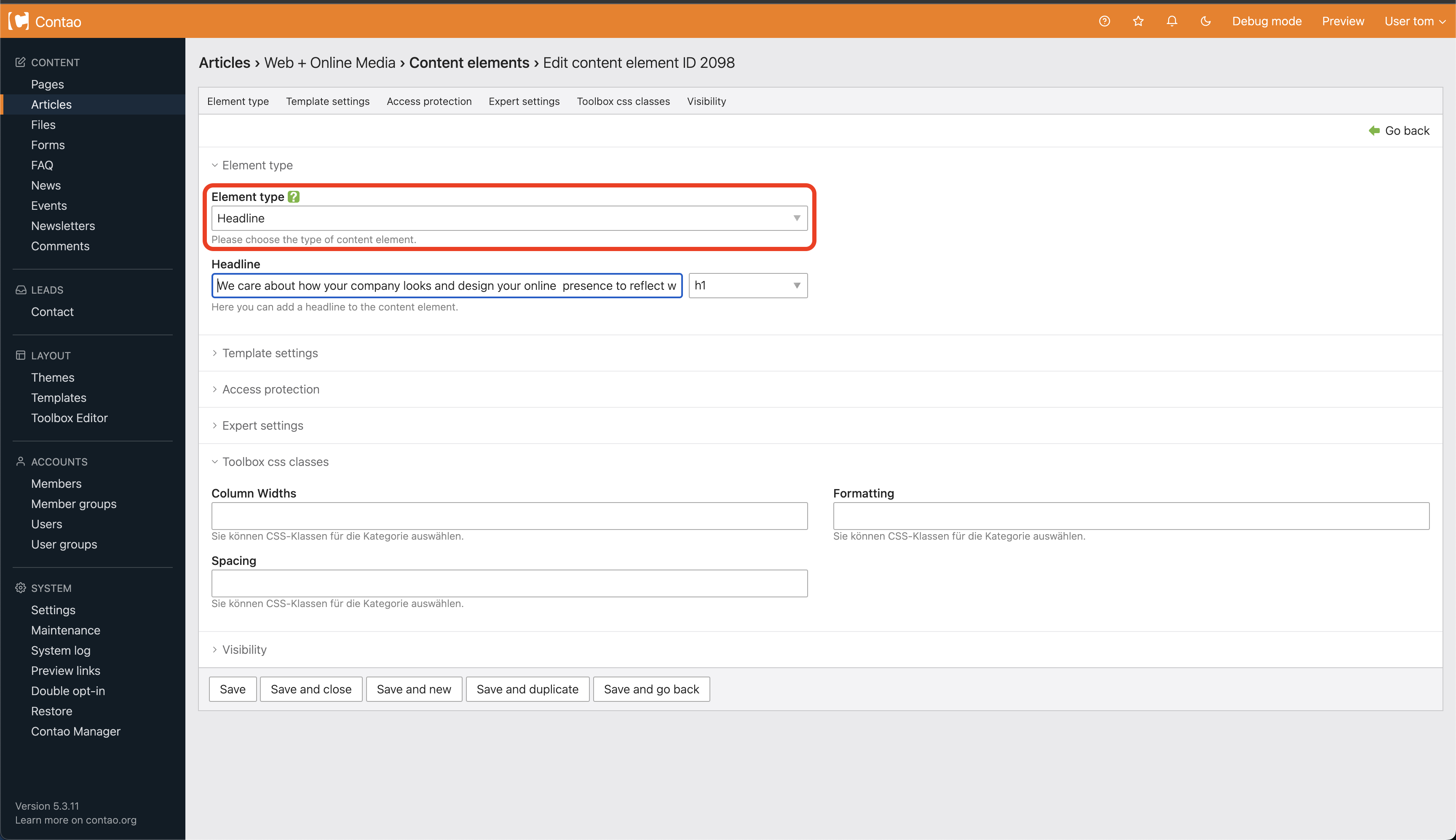
After clicking the edit icon you are brought to the element information page. Choose your Element type from the drop down menu (circled below).
Click here to learn about how to use content elements.