
Upload Files and Images
Step 1
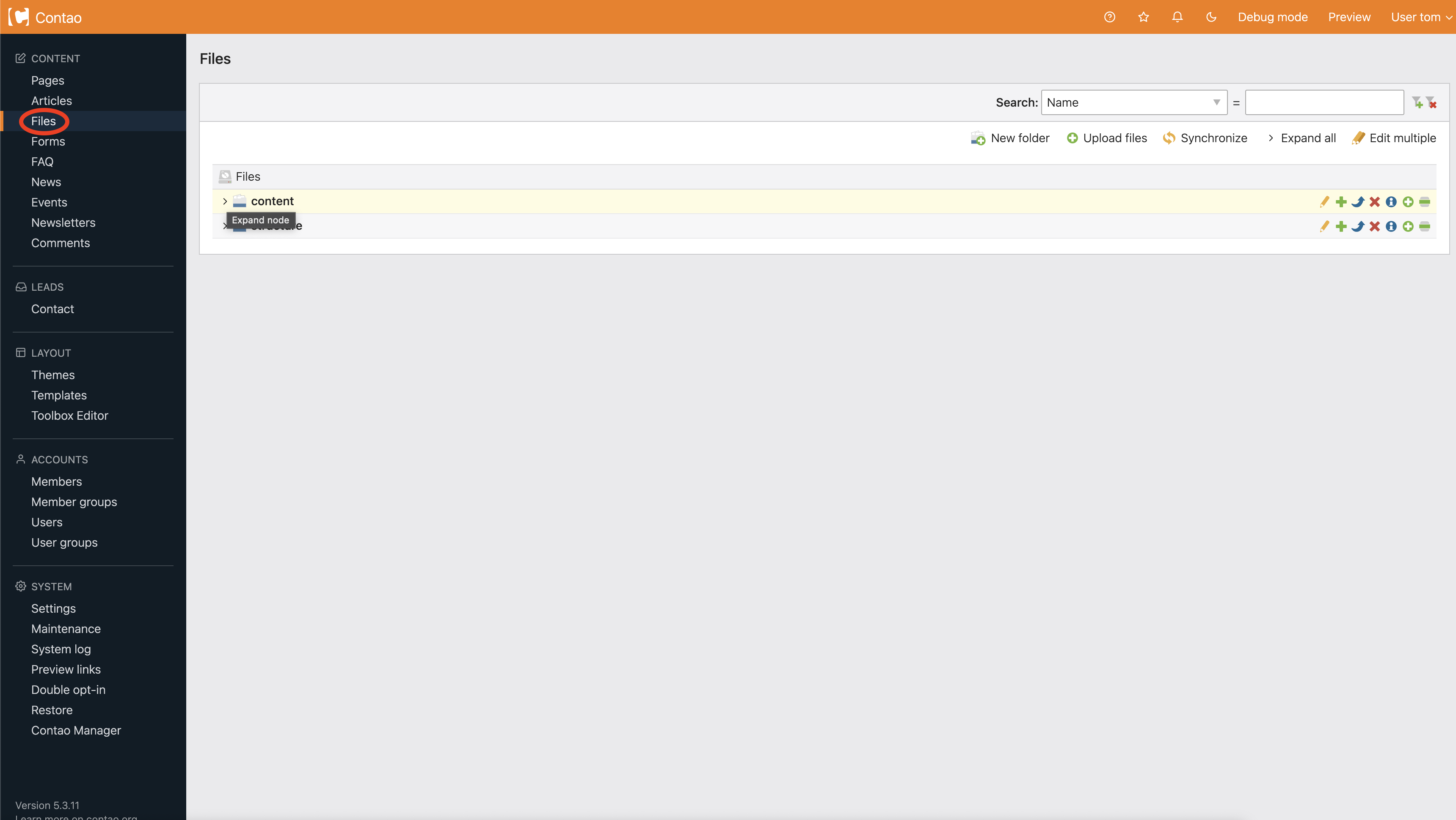
Choose Files from the navigation (circled below).
Step 2
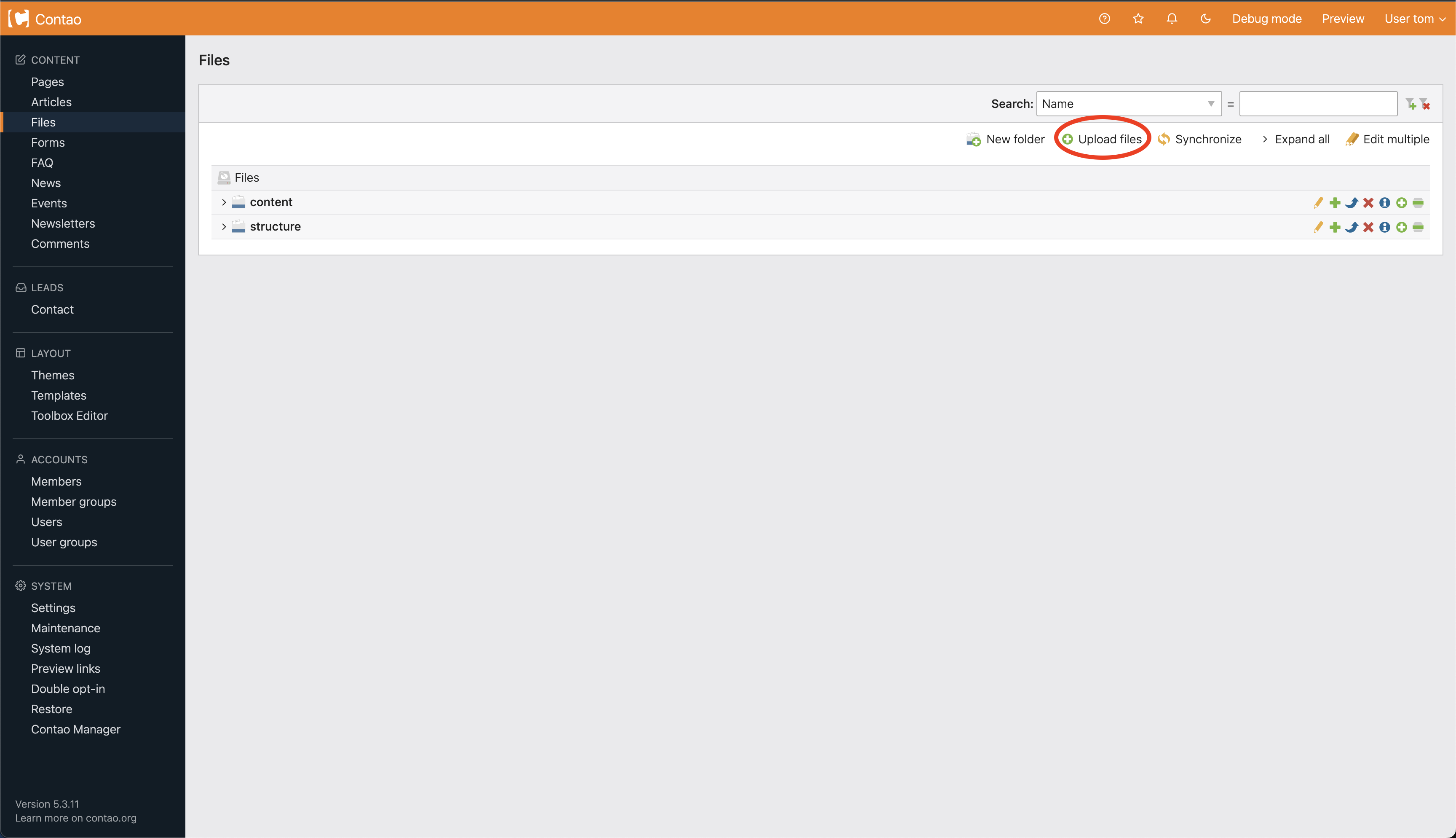
You will be brought to the Files homepage. From here you can upload a file by choosing Upload files (circled below).
Step 3
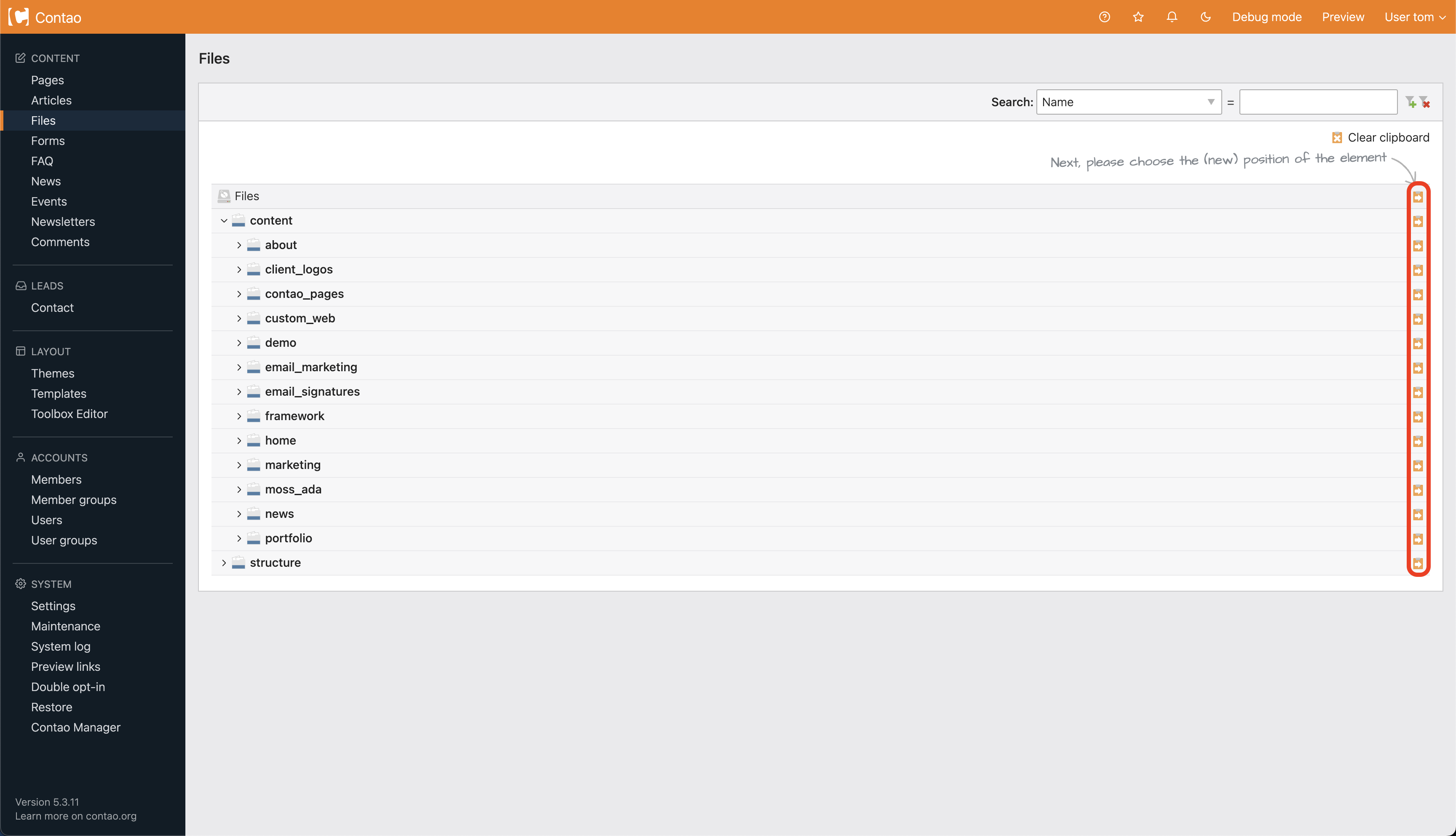
Once you choose file upload, arrow icons will appear. These icons will allow you to put the file into certain spots on your website (circled below). Click this arrow to paste your file into the appropriate folder.
Step 4
After clicking the arrow you are brought to an upload page. Choose Click or drop files here to upload(circled below) and find the file on your computer. Once you've selected your files, click Open to upload them.
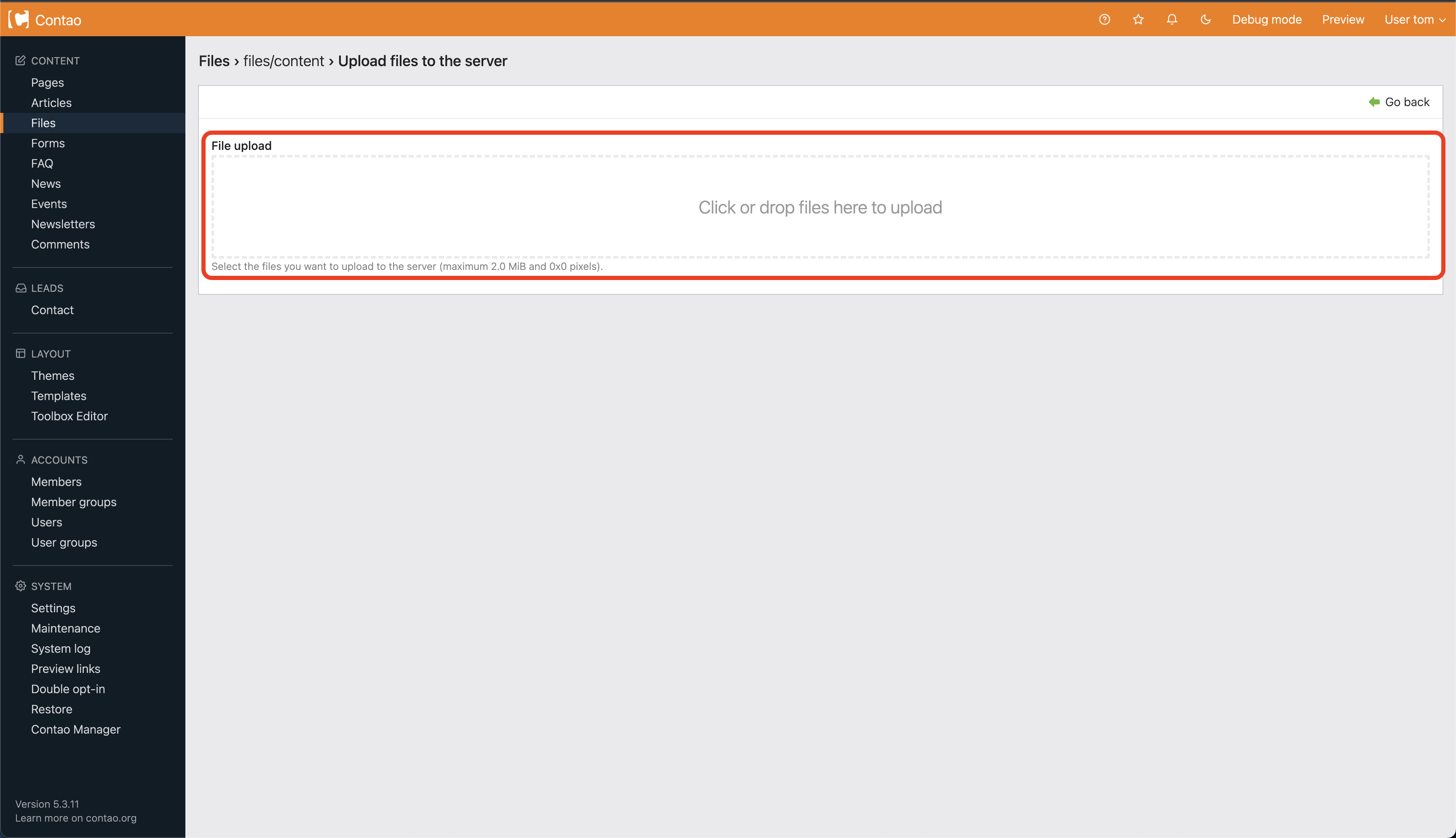
A confirmation will tell you your file has been uploaded successfully.